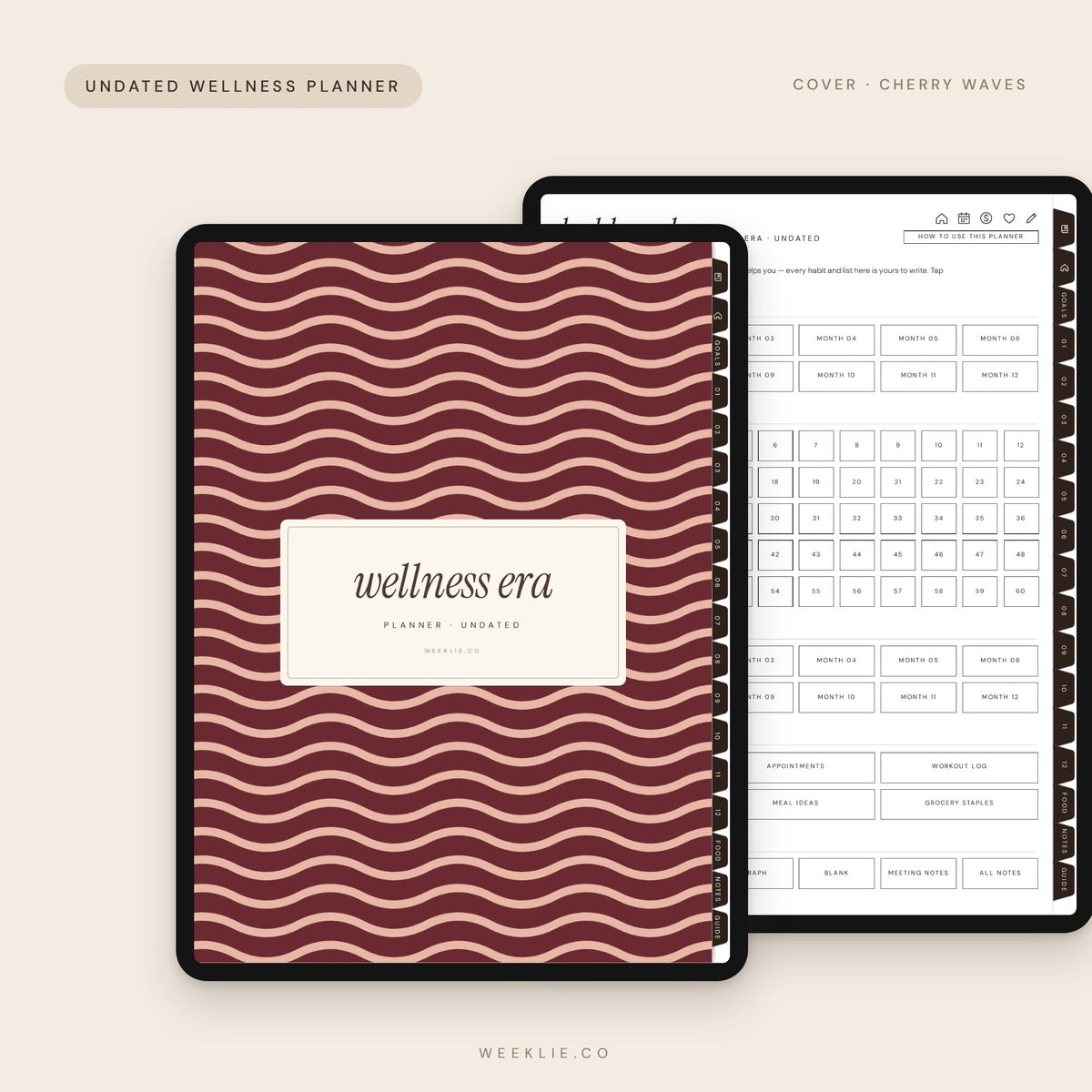
The Wellness Era Planner is an undated digital wellness planner for iPad and GoodNotes for planning movement, meals and self-care your way. Nothing is pre-filled or forced — you write in only the habits and goals that matter to you.
What’s inside the digital wellness planner
276 hyperlinked pages, undated — start any month
Wellness goals with your why (move, nourish, rest, mind)
2 appointment log pages and 6 workout log pages
12 month hubs, monthly calendars and write-your-own habit trackers
60 weekly pages for movement, self-care and notes
A meal plan + grocery list for every week (60 in all)
24 recipe pages with a recipe index, a meal ideas list and a grocery staples list
60 notes pages in 5 styles
How-to guide: a filled-in example of every page
Why you’ll love it
Track only what helps you — blank boxes don’t mean you’re behind
Meals, groceries and recipes live together
Undated, so you can start any week
Monday-start and Sunday-start versions both included
12 fall covers
Choose your cover when you add the Wellness Era Planner to your cart: five cozy solids (cocoa, cherry, olive, pumpkin and oat) or seven trending fall patterns (cherry stripe, olive gingham, retro bloom, acorn check, leopard, fall botanical and cherry waves). The words on the cover match the planner inside, and every cover keeps the clickable side tabs.
Details
Format: hyperlinked PDF, 3:4 portrait (made for iPad)
Works with GoodNotes, Notability, Noteshelf, Samsung Notes, Xodo, Zinnia and most PDF annotation apps
Includes Monday-start and Sunday-start files
Instant download — nothing is shipped
FAQ
Does it include pre-made trackers? No — the habit tracker is blank on purpose so you can write in the habits you actually want to build.
What app do I need? Any app that opens a PDF and lets you write on it: GoodNotes, Notability, Noteshelf, Samsung Notes, Xodo, Zinnia and most PDF annotation apps. It’s made for iPad, and also works on Android tablets and other tablets that support hyperlinked PDFs.
How do I get my planner? It’s an instant digital download — you’ll get your files right after checkout. Nothing is shipped.
Why won’t the links work? In GoodNotes, switch to read-only mode or tap with your finger instead of the pen. In other apps, switch to view mode.
Can I print it? Yes — it’s a PDF, so you can print any page for personal use.
Can I share or resell it? Your planner is for your personal use only. Please don’t share or resell the files.
how do i get it?
This is a digital product, nothing is shipped. Right after checkout you'll get an email with your download link, and it also shows on your order confirmation page.
what apps does it work with?
GoodNotes, Notability, Noteshelf, Samsung Notes, Xodo and most PDF annotation apps on iPad, Android tablets and computers.
how to import
1. Download the file on your tablet. 2. Tap Share → Open in GoodNotes (or your app). 3. Choose "Import as new document" and start planning.
refunds
Because this is an instant digital download, all sales are final. Having trouble? Email us and we'll help.